> ## Documentation Index
> Fetch the complete documentation index at: https://docs.zbdpay.com/llms.txt
> Use this file to discover all available pages before exploring further.
# Create Account
> Get started with ZBD in minutes
Creating a ZBD account gives you access to the most advanced payment infrastructure in gaming. Here's how to get started.
## Before You Begin
**Business Account Required** - ZBD is designed for businesses, game studios, and professional developers. You'll need to complete business verification (KYB) to access production features.
### What You'll Need
* Company name and website
* Business registration details
* Tax ID / EIN (US) or equivalent
* UBO (if applicable)
* Your work email address
* Phone number
* Your role at the company
## Account Creation Process
### Step 1: Schedule Your Onboarding Call
**Required First Step** - Our team will guide you through the onboarding process and ensure ZBD is the right fit for your needs. Schedule a quick 15-minute call to get started.
During the call, we'll discuss:
* Your use case and integration needs
* Pricing based on your expected volume
* Compliance requirements for your region
* Timeline to get you live
### Step 2: Create Your Account
After your sales call, you'll receive an invitation to create your account.
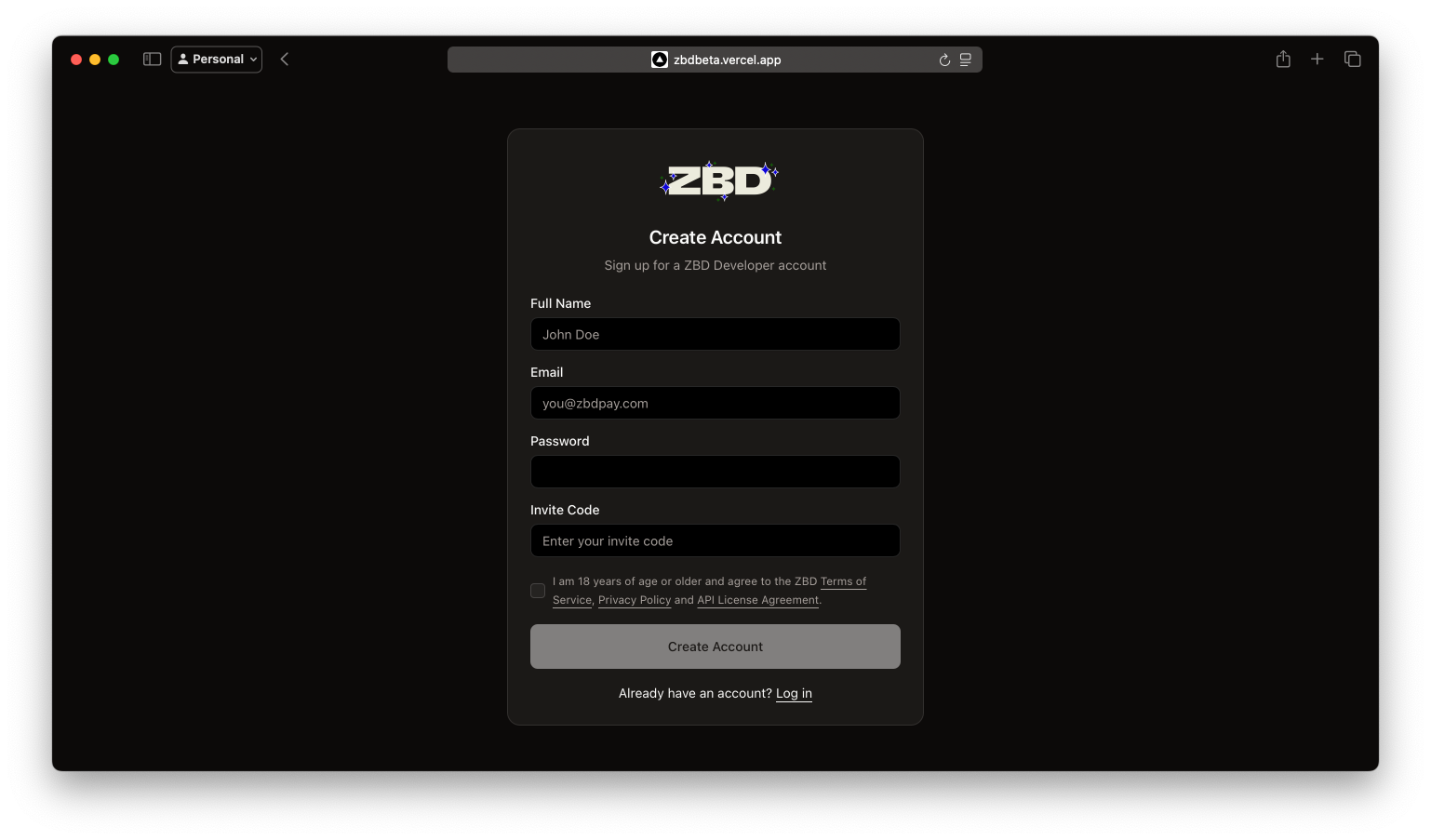 1. **Access the Dashboard** - Use the link provided by our team
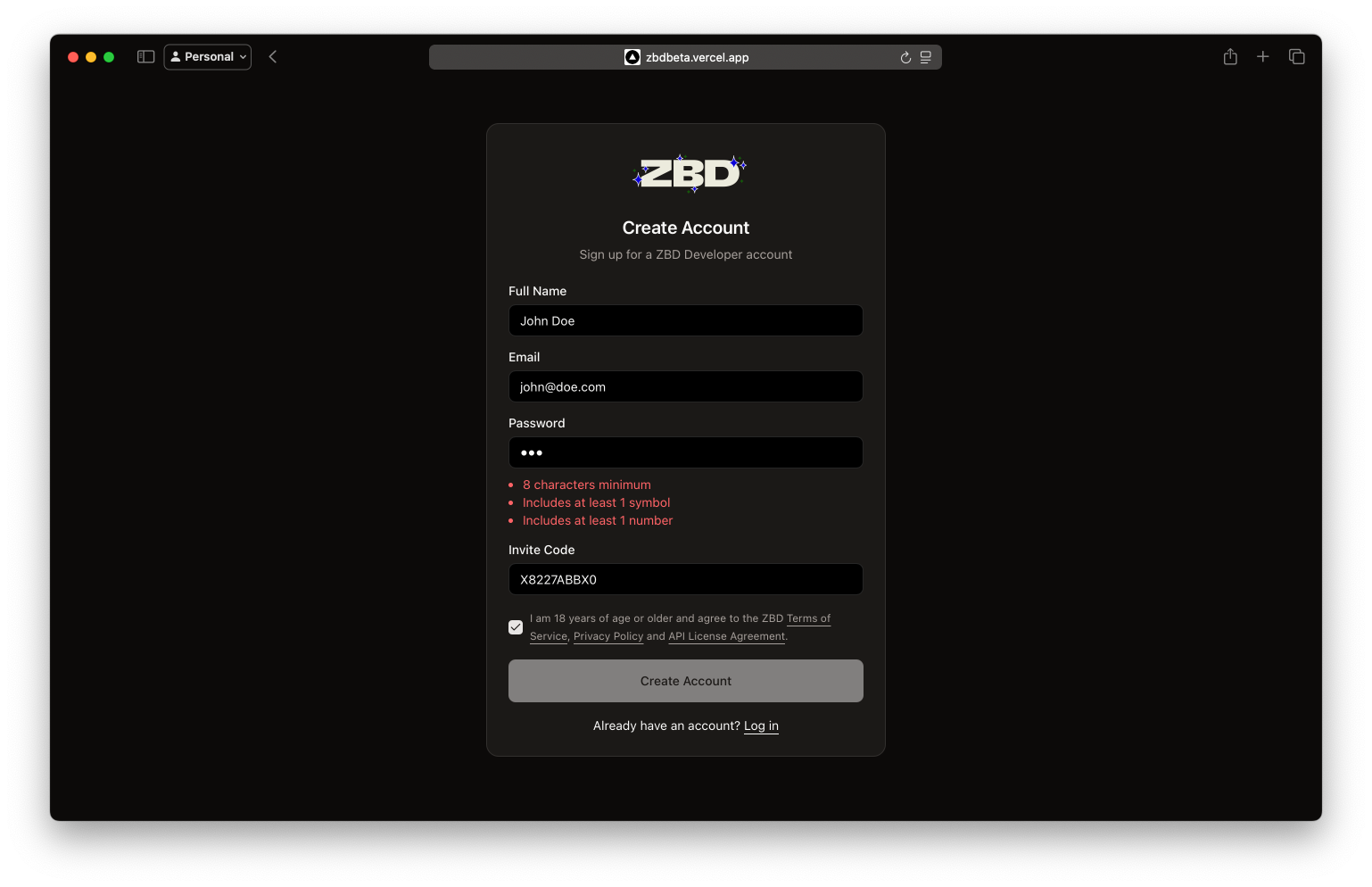
2. **Enter Your Information** - Fill in your user details
3. **Set a Strong Password** - Must include uppercase, lowercase, numbers, and symbols
4. **Accept Terms** - Review and accept our Terms of Service
1. **Access the Dashboard** - Use the link provided by our team
2. **Enter Your Information** - Fill in your user details
3. **Set a Strong Password** - Must include uppercase, lowercase, numbers, and symbols
4. **Accept Terms** - Review and accept our Terms of Service
 ### Step 3: Verify Your Email
Check your inbox for a 6-digit verification code.
### Step 3: Verify Your Email
Check your inbox for a 6-digit verification code.
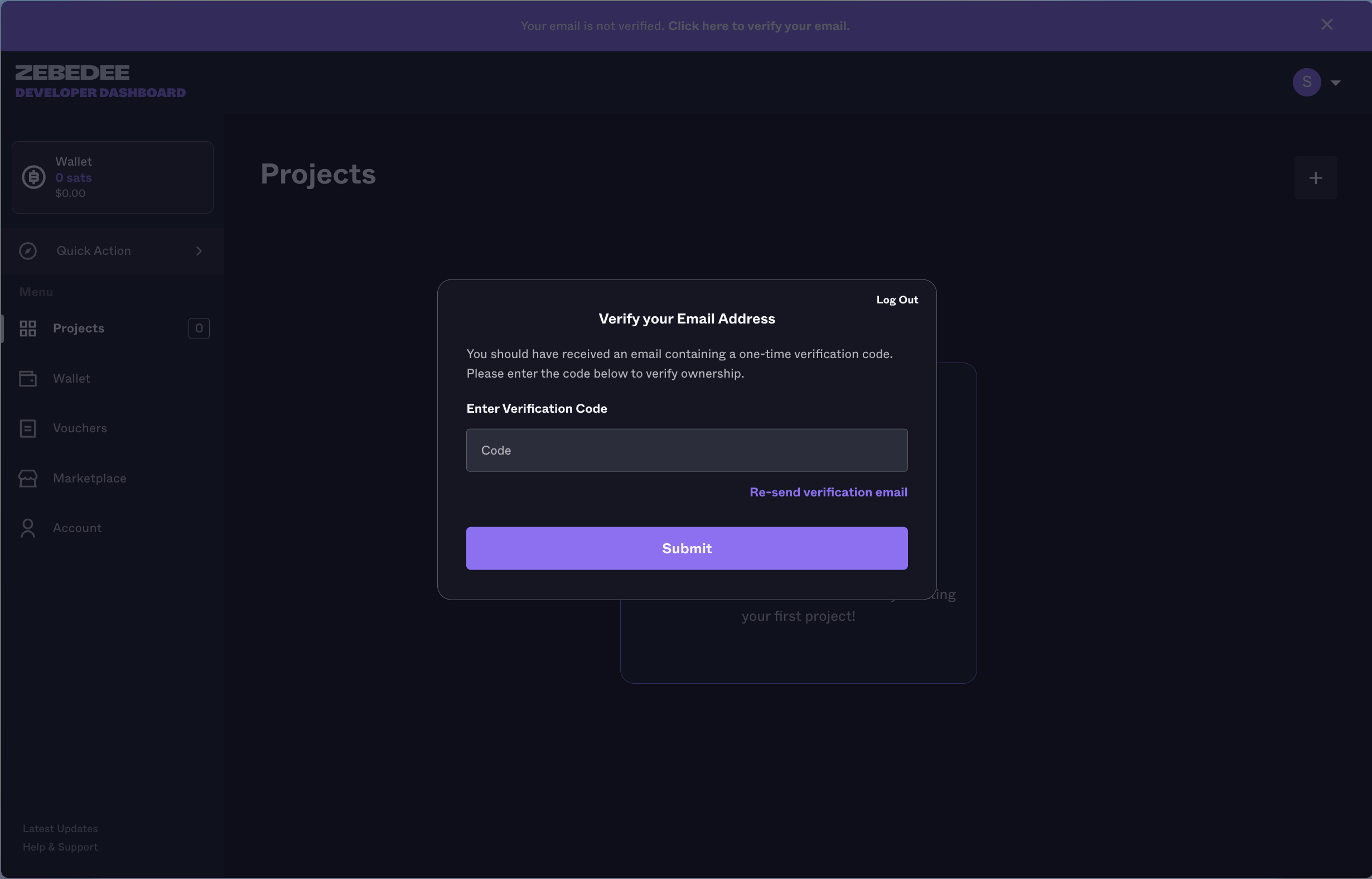 Verification codes expire after 10 minutes. If yours expires, you can request a new one.
### Step 4: Complete Business Verification
After email verification, you'll be guided through our KYB (Know Your Business) process:
Provide company registration documents
Verify business ownership structure
Describe your intended use of ZBD
**Verification Timeline**: Most businesses are verified within 24 hours. Complex cases may take 2-3 business days.
## After Account Creation
Once verified, you'll have access to:
Set up your first project and get API keys
Fund your wallet to start processing payments
Start integrating with our quickstart guides
## Ready to Transform Your Payments?
**Schedule Your Onboarding Call** - Join thousands of developers building the future of digital payments. Our team is ready to help you get started.
Verification codes expire after 10 minutes. If yours expires, you can request a new one.
### Step 4: Complete Business Verification
After email verification, you'll be guided through our KYB (Know Your Business) process:
Provide company registration documents
Verify business ownership structure
Describe your intended use of ZBD
**Verification Timeline**: Most businesses are verified within 24 hours. Complex cases may take 2-3 business days.
## After Account Creation
Once verified, you'll have access to:
Set up your first project and get API keys
Fund your wallet to start processing payments
Start integrating with our quickstart guides
## Ready to Transform Your Payments?
**Schedule Your Onboarding Call** - Join thousands of developers building the future of digital payments. Our team is ready to help you get started.