

Before You Begin
Business Account Required - ZBD is designed for businesses, game studios, and professional developers. You’ll need to complete business verification (KYB) to access production features.
What You’ll Need
Business Information
- Company name and website
- Business registration details
- Tax ID / EIN (US) or equivalent
- UBO (if applicable)
Contact Details
- Your work email address
- Phone number
- Your role at the company
Account Creation Process
Step 1: Schedule Your Onboarding Call
Talk to Sales First
Required First Step - Our team will guide you through the onboarding process and ensure ZBD is the right fit for your needs. Schedule a quick 15-minute call to get started.
- Your use case and integration needs
- Pricing based on your expected volume
- Compliance requirements for your region
- Timeline to get you live
Step 2: Create Your Account
After your sales call, you’ll receive an invitation to create your account.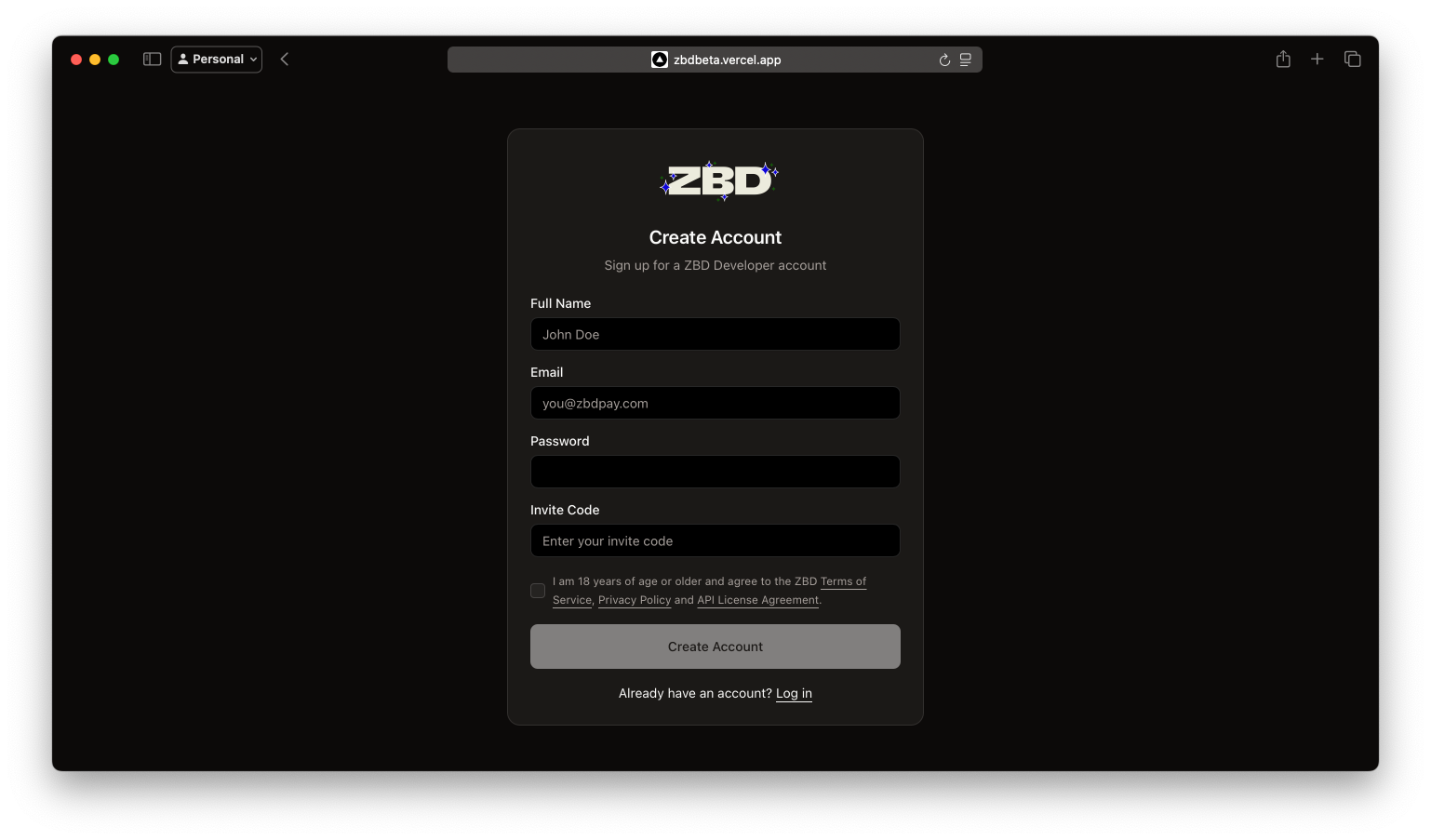
ZBD Developer Dashboard | Sign Up
- Access the Dashboard - Use the link provided by our team
- Enter Your Information - Fill in your user details
- Set a Strong Password - Must include uppercase, lowercase, numbers, and symbols
- Accept Terms - Review and accept our Terms of Service
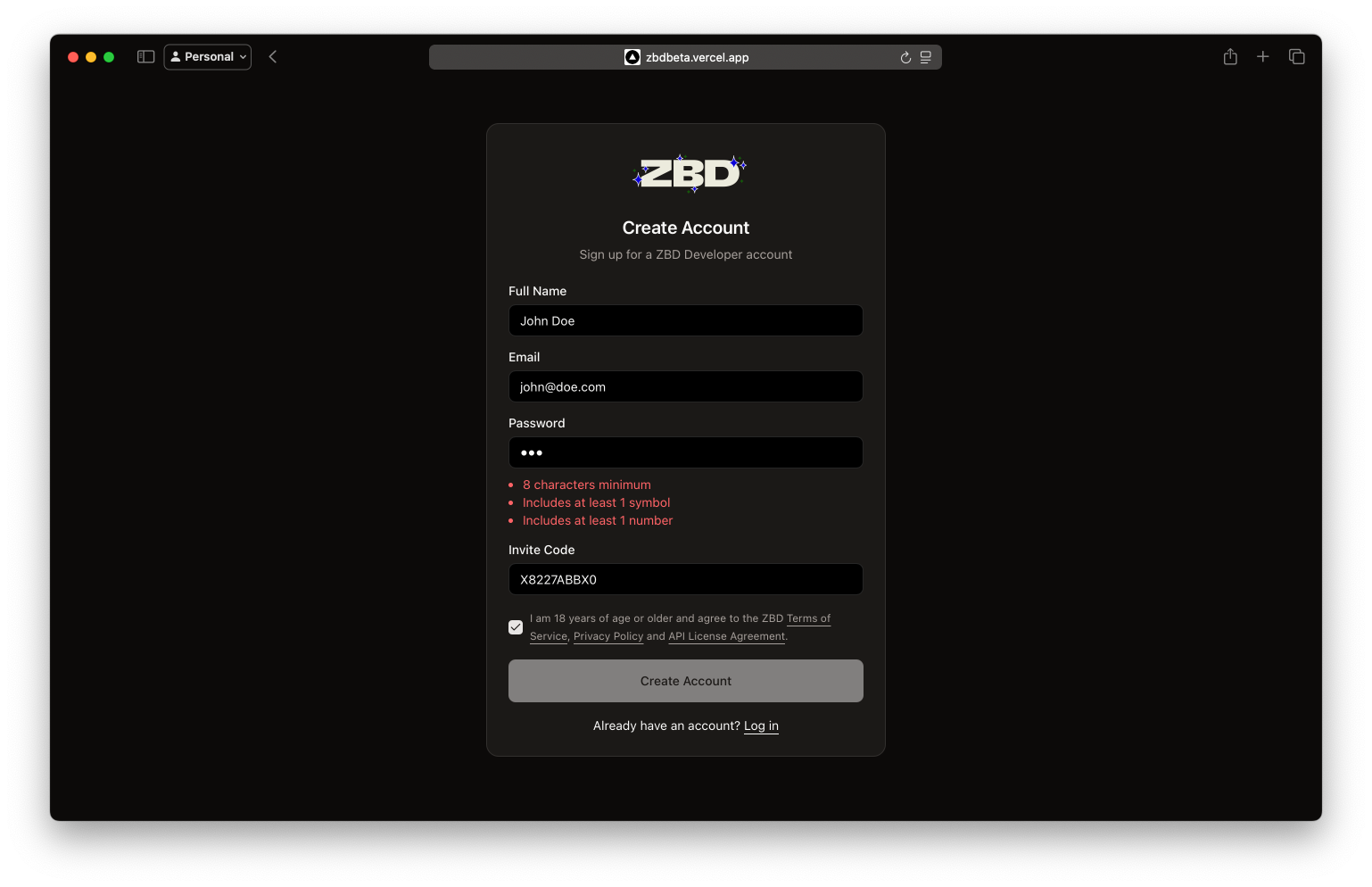
ZBD Developer Dashboard | Sign Up Form
Step 3: Verify Your Email
Check your inbox for a 6-digit verification code.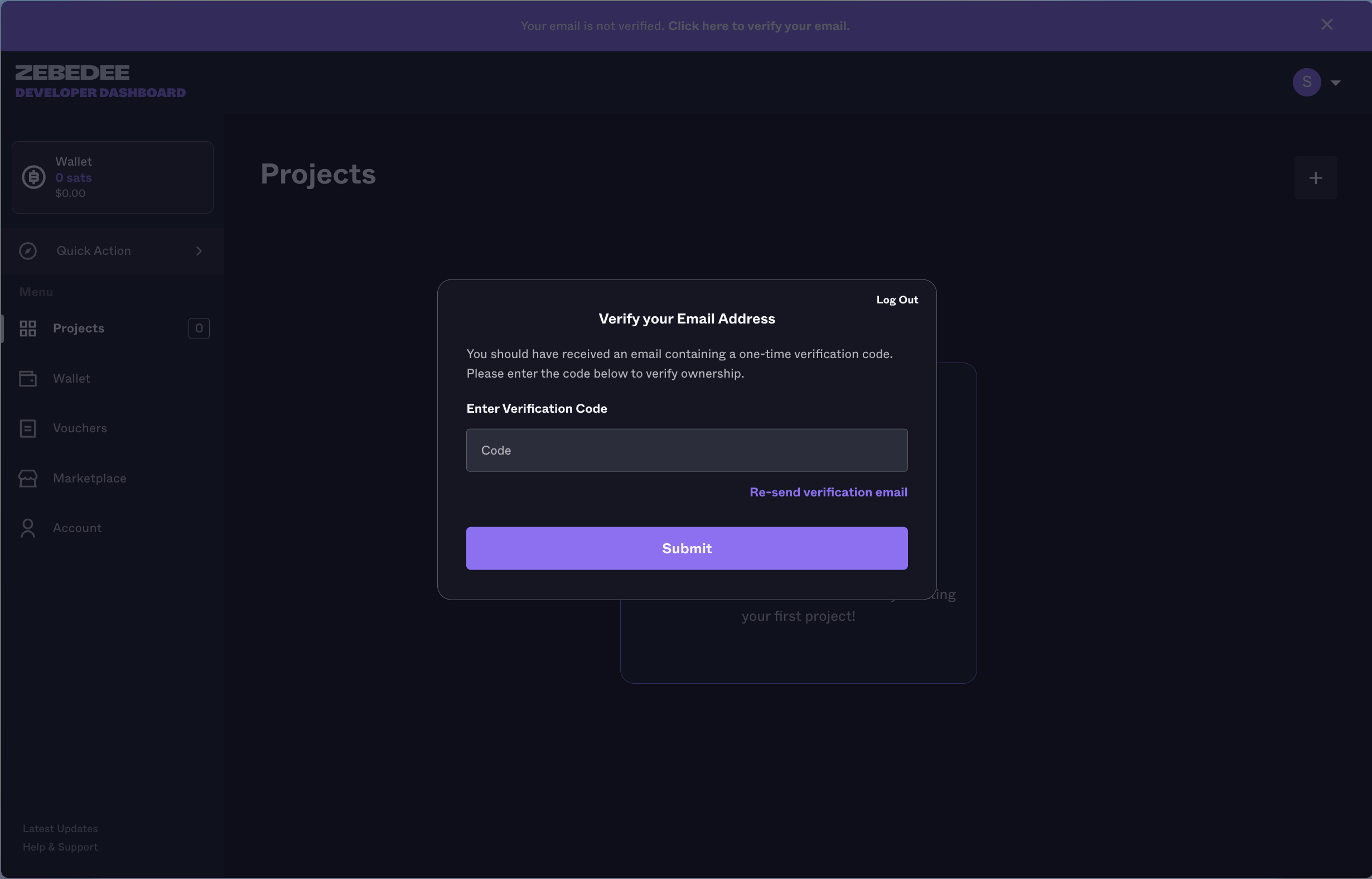
ZBD Developer Dashboard | Verify Email
Verification codes expire after 10 minutes. If yours expires, you can request a new one.
Step 4: Complete Business Verification
After email verification, you’ll be guided through our KYB (Know Your Business) process:1
Business Details
Provide company registration documents
2
Ownership Information
Verify business ownership structure
3
Use Case Review
Describe your intended use of ZBD
After Account Creation
Once verified, you’ll have access to:Create Projects
Set up your first project and get API keys
Add Funds
Fund your wallet to start processing payments
Explore APIs
Start integrating with our quickstart guides
Ready to Transform Your Payments?
Get Started Today
Schedule Your Onboarding Call - Join thousands of developers building the future of digital payments. Our team is ready to help you get started.