

Default Environment: All new projects start as sandbox projects. This protects you from accidentally spending real Bitcoin while learning the platform.
What Makes Sandbox Special
Fake Bitcoin
10,000 free satoshis to start, top up anytime
Test Users
Pre-created users with wallets for end-to-end testing
Visual Indicators
Sandbox projects are clearly marked to prevent confusion: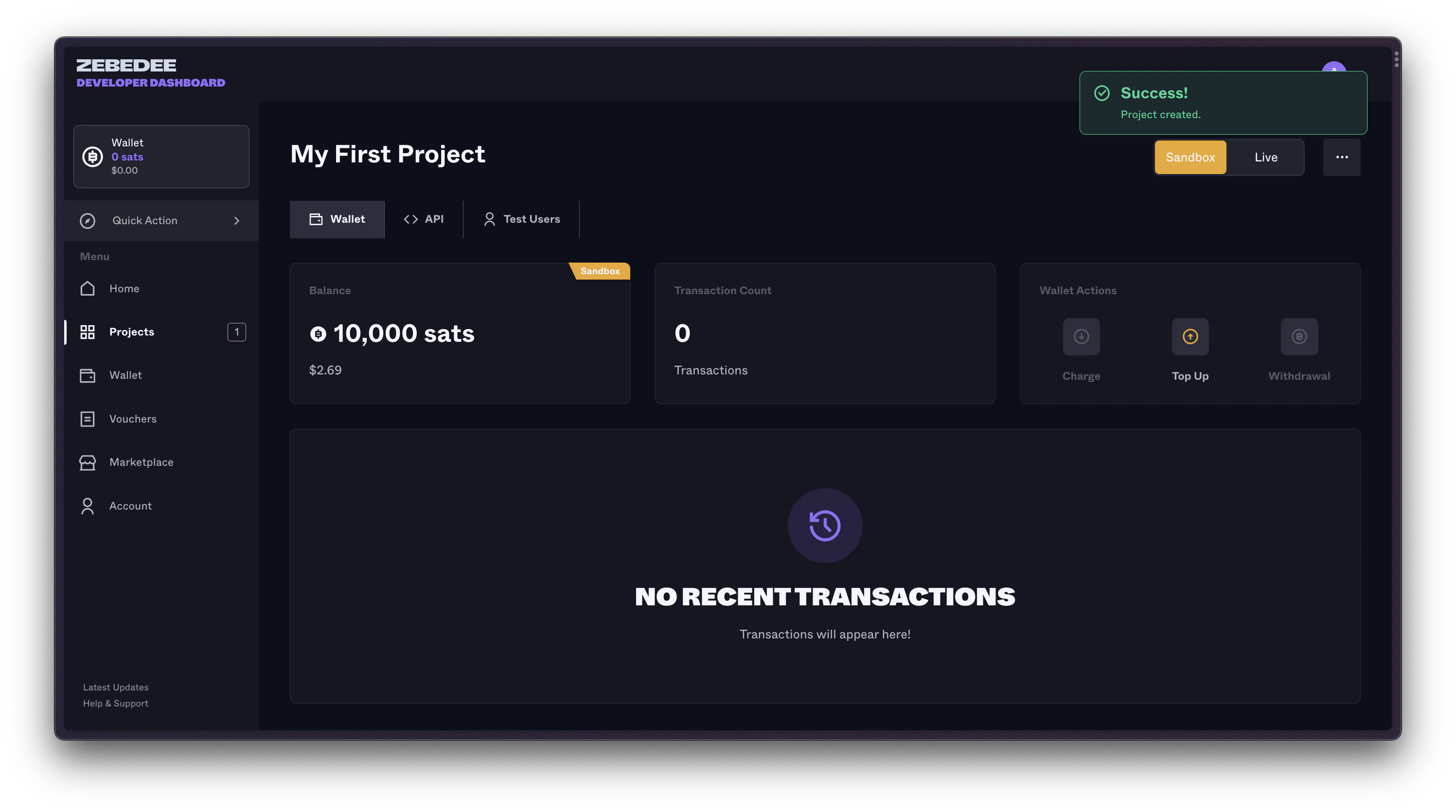
- 🧪 “Sandbox” label on project cards
- 🎮 Test Bitcoin balance (not real money!)
- 👥 Test Users tab only in sandbox
- 🔑 Sandbox API endpoints in documentation
Sandbox Architecture
Getting Started with Sandbox
Your First Sandbox Project
When you create your first project, you’ll automatically get:Test Users
Click the Test Users tab to see your pre-created testing accounts: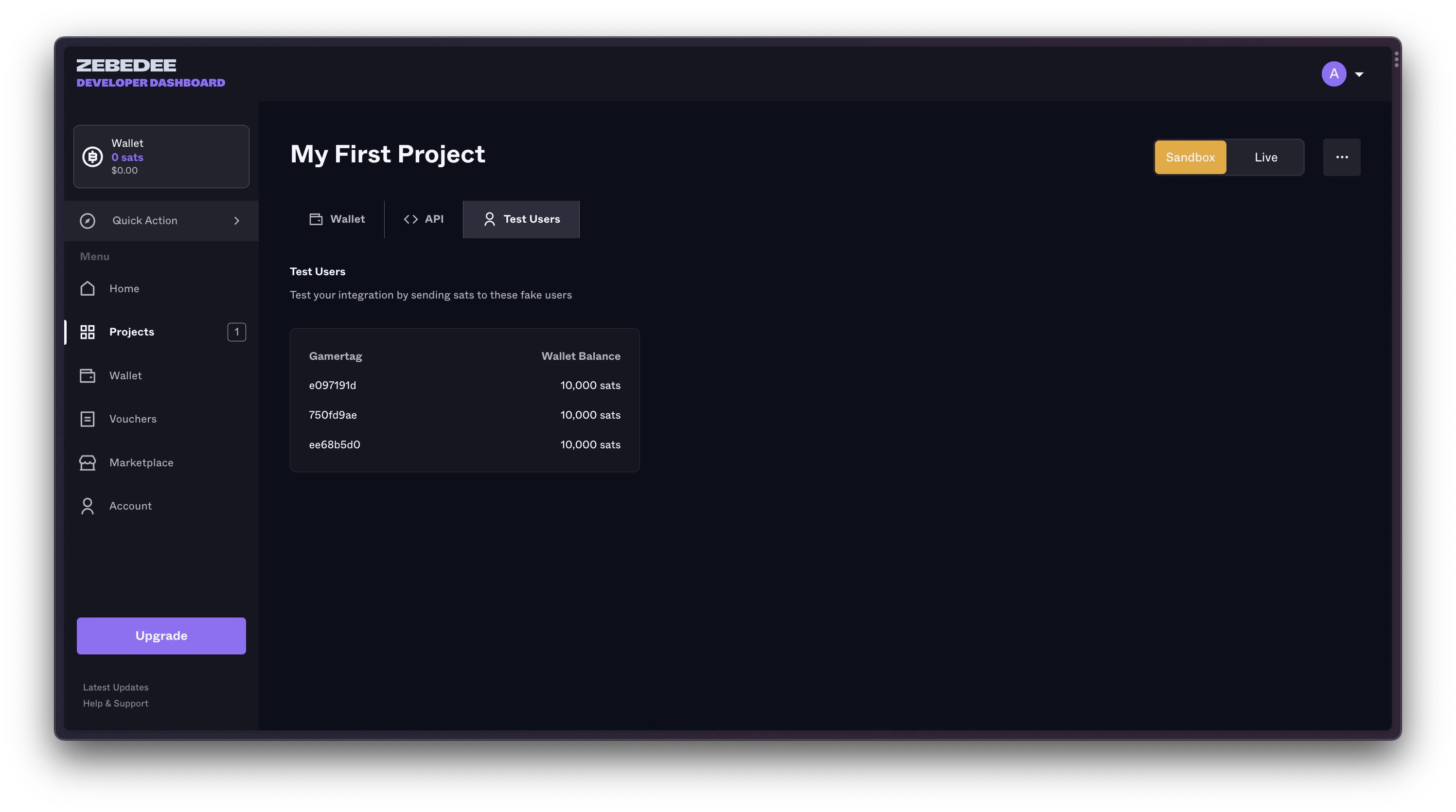
- Unique ZBD Gamertag
- Test wallet with balance
- Ability to receive payments
- Full transaction history
Topping Up Your Sandbox
Running low on fake satoshis? Add more instantly: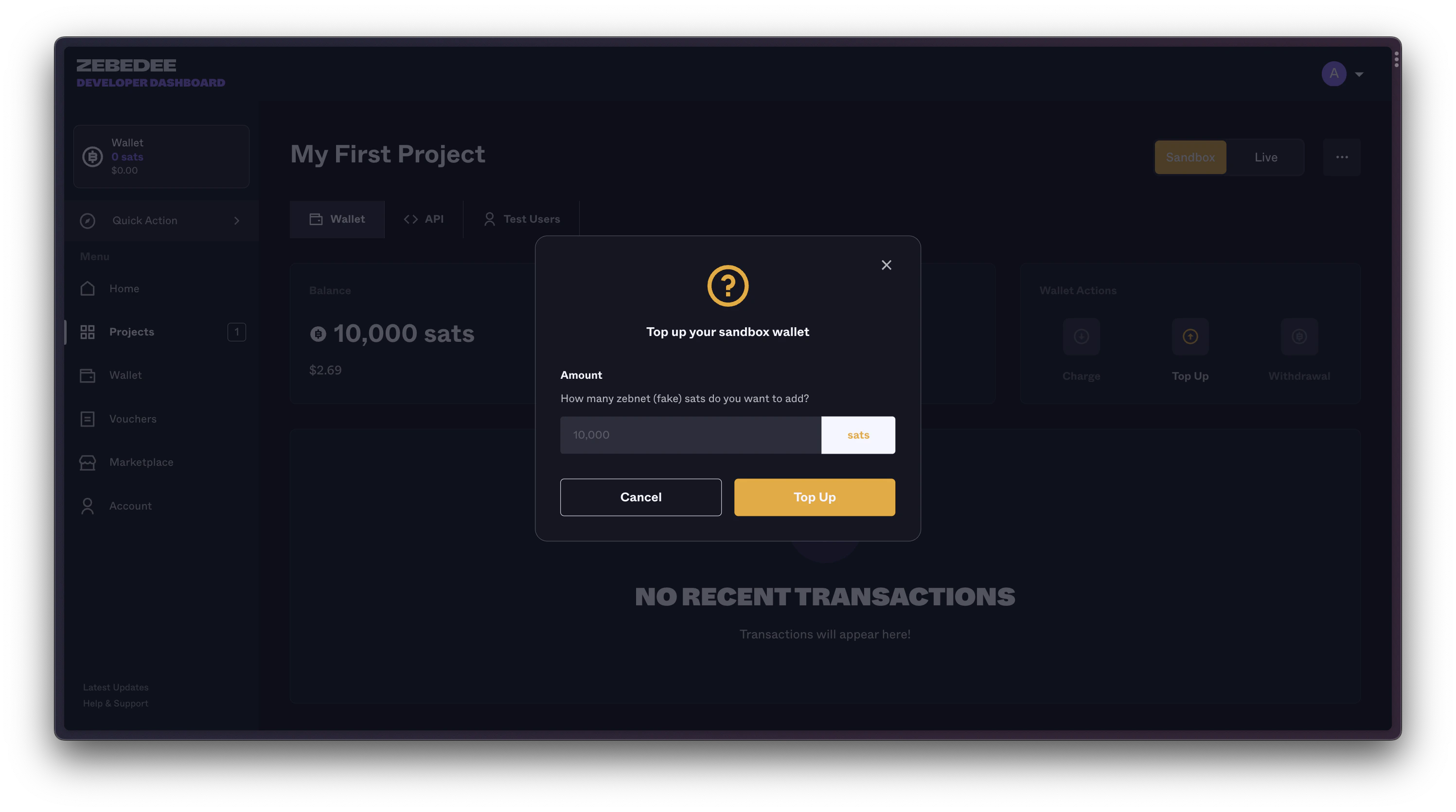
Instant Top-up
Click “Top Up” for +10,000 sats instantly
Unlimited Refills
No limits - top up as many times as needed
Sandbox API Endpoints
Sandbox uses separate endpoints to ensure you never accidentally mix test and production:Testing Payments in Sandbox
Let’s send your first test payment:1. Get Your Sandbox API Key
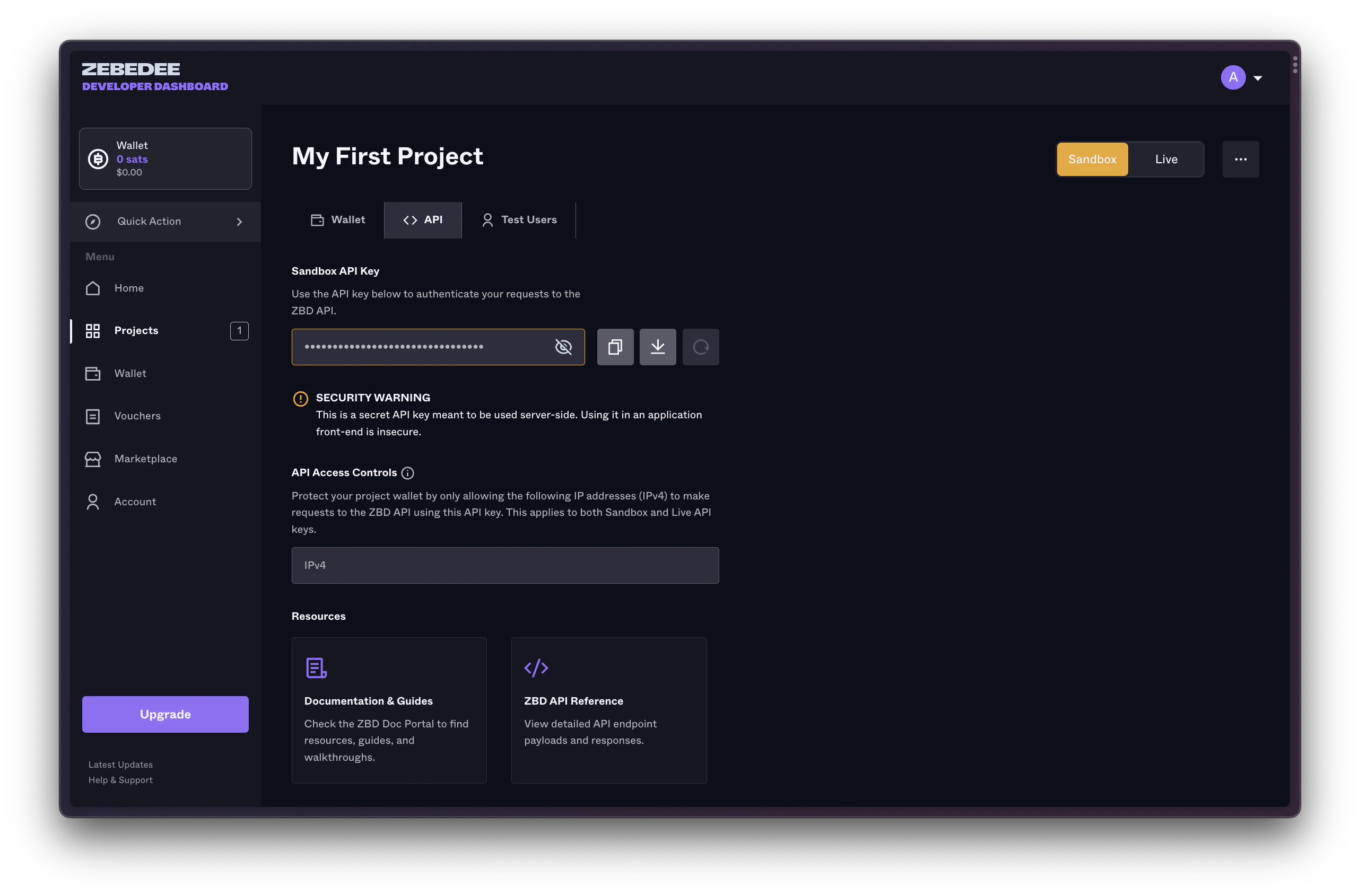
2. Send Test Payment
Use the API Playground or your own code:3. Verify Success
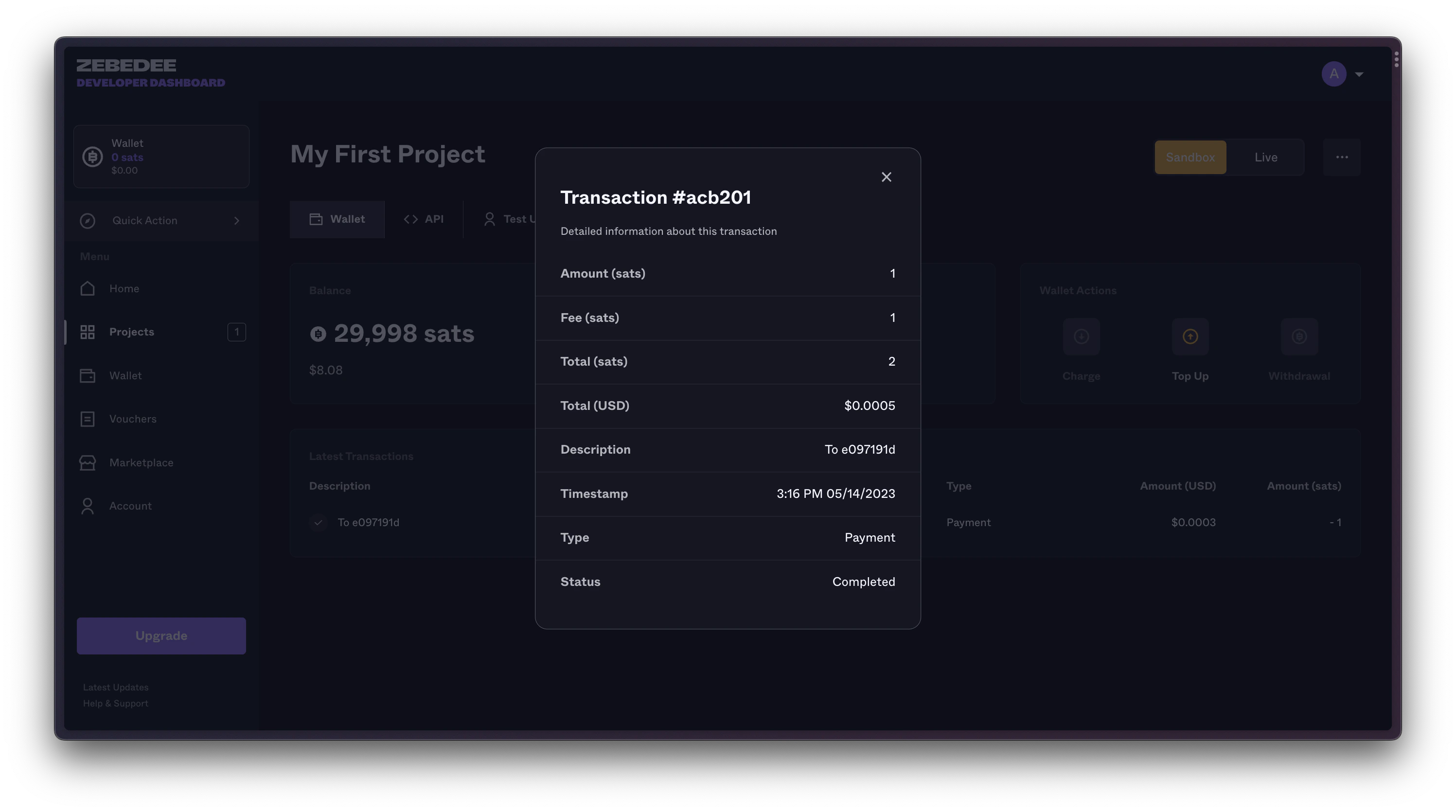
Check your sandbox wallet to see the transaction: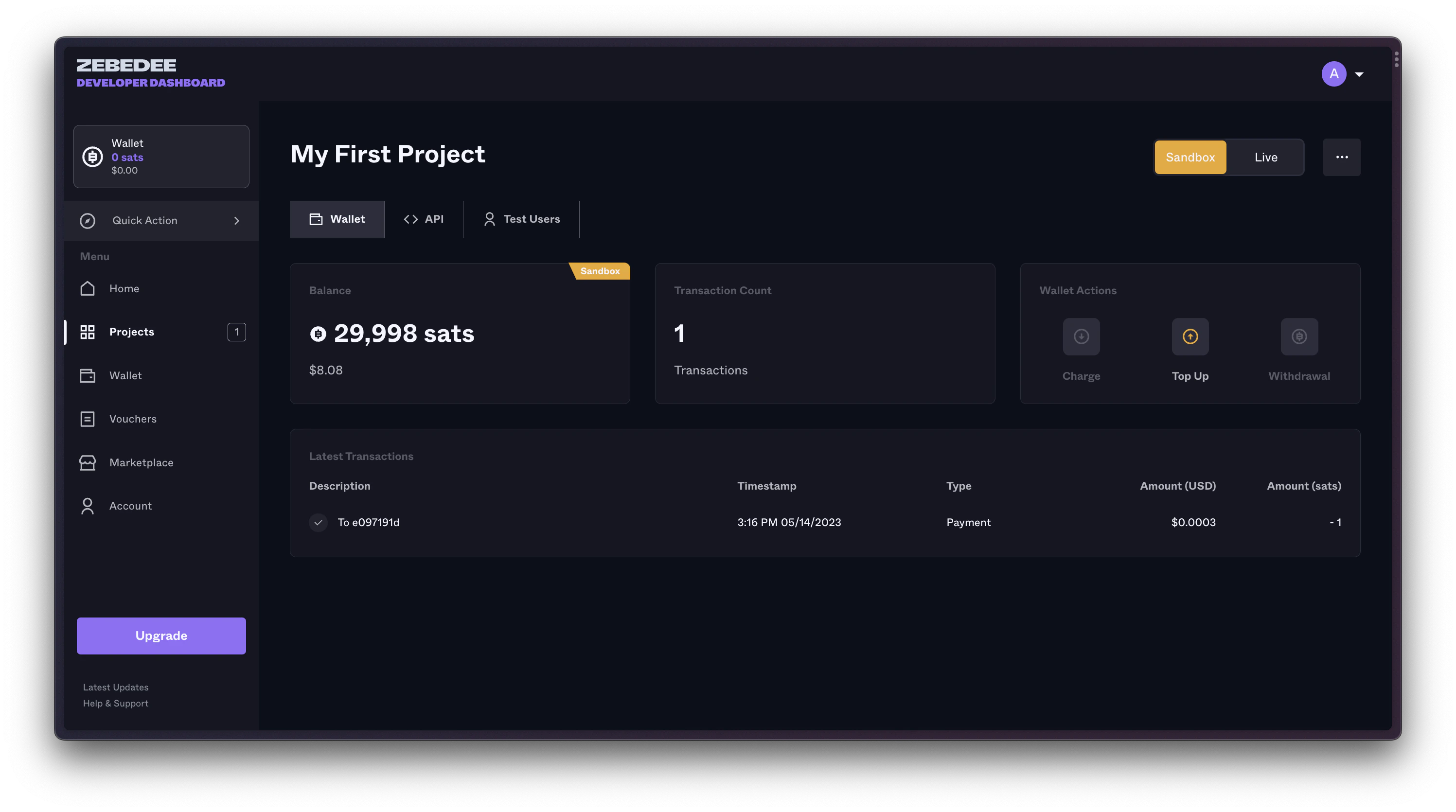
Transitioning to Production
Ready to handle real money? Here’s your checklist:Complete Testing
- All payment flows tested
- Error handling verified
- Webhook integration working
- Performance acceptable
Update Your Code
- Change API endpoints
- Update API key
- Enable production monitoring
- Set up error alerts
Troubleshooting Sandbox
API Key Not Working
Ensure you’re using sandbox endpoints with sandbox keys
Can't Find Test Users
Test Users tab only appears in sandbox projects
Need More APIs
Complete verification for full API access in production
Webhook Issues
Sandbox webhooks work identically to production
Next Steps
You’ve mastered the sandbox! Time to level up:Verify Identity
Complete KYB for production access
API Reference
Explore all available endpoints
Go Production
Create your first production project
Remember: Sandbox is your friend. Test everything here first. Break things, experiment, and learn. That’s what it’s for! When you’re confident everything works, production is just an endpoint change away.